Master the Art of Typing
Whether you're a beginner...
Choose Your Challenge
Time & Word Tests
The classic way to measure your WPM and accuracy.
Difficulty Levels
From easy words to complex text with punctuation.
Code & Math Typing
Practice with snippets of code and equations.
Language & Layouts
Test your skills in Spanish, French, German, and more.
Custom Text Import
Practice with your own articles, essays, or reports.
No-Backspace Mode
The ultimate accuracy challenge with no second chances.
Lessons & Drills
Learn touch typing from the ground up with structured lessons.
Competitions & Games
Race against other typists and climb the leaderboard.
Aesthetic Themes
Personalize your typing environment with beautiful themes.
How It Works
1. Select a Test
Choose any test from our wide range of categories that suits your practice needs.
2. Start Typing
Click the "Start Test" button and type the text as quickly and accurately as you can.
3. Analyze Your Results
After each test, review your WPM, accuracy, and error rate to track your progress.
Get Your Certificate
1. Complete a Test
Finish any typing test on our platform to become eligible for a certificate.
2. Enter Your Details
Click the "Get Certificate" button on the results screen and fill in your details.
3. Download & Share
Preview your personalized certificate and download it as a high-quality image to share.
A Glimpse of Our Tests
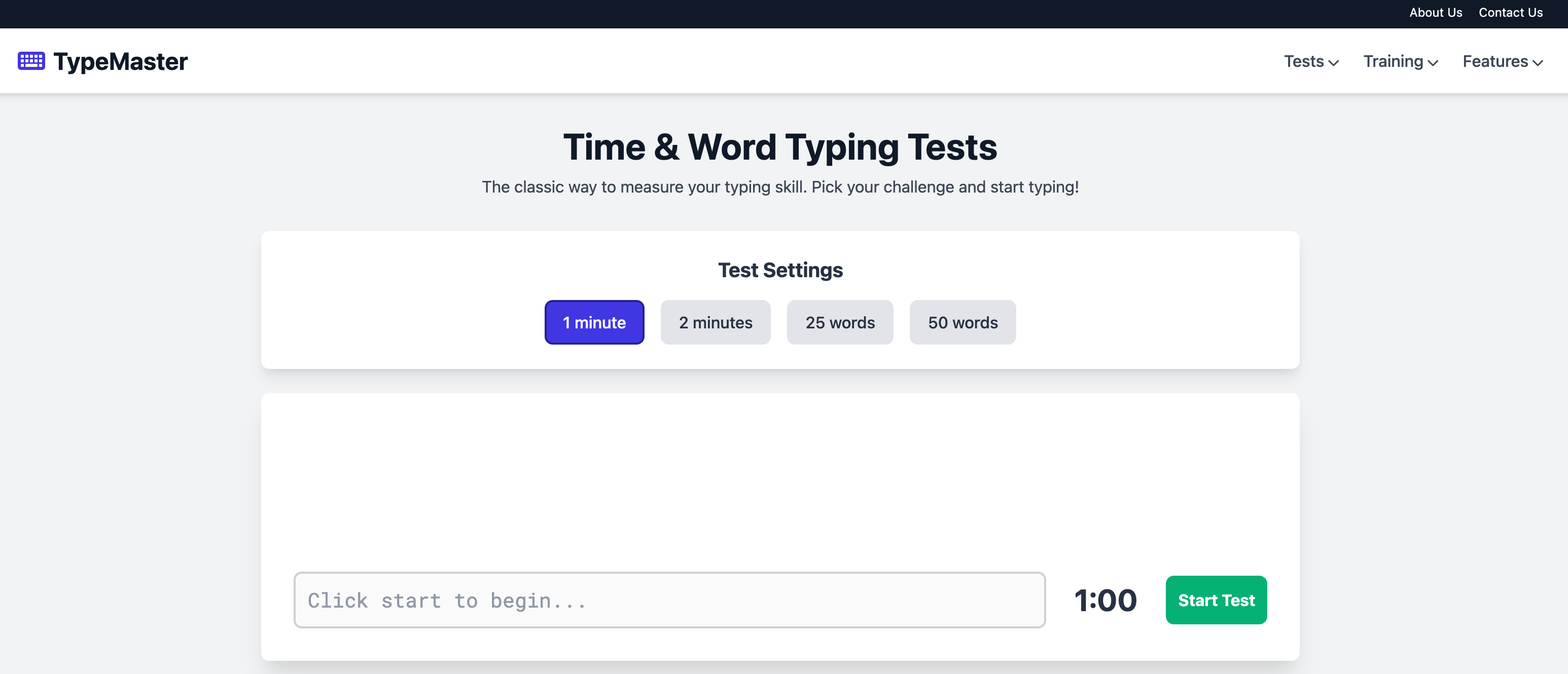
Classic Time & Word tests to measure your baseline speed.
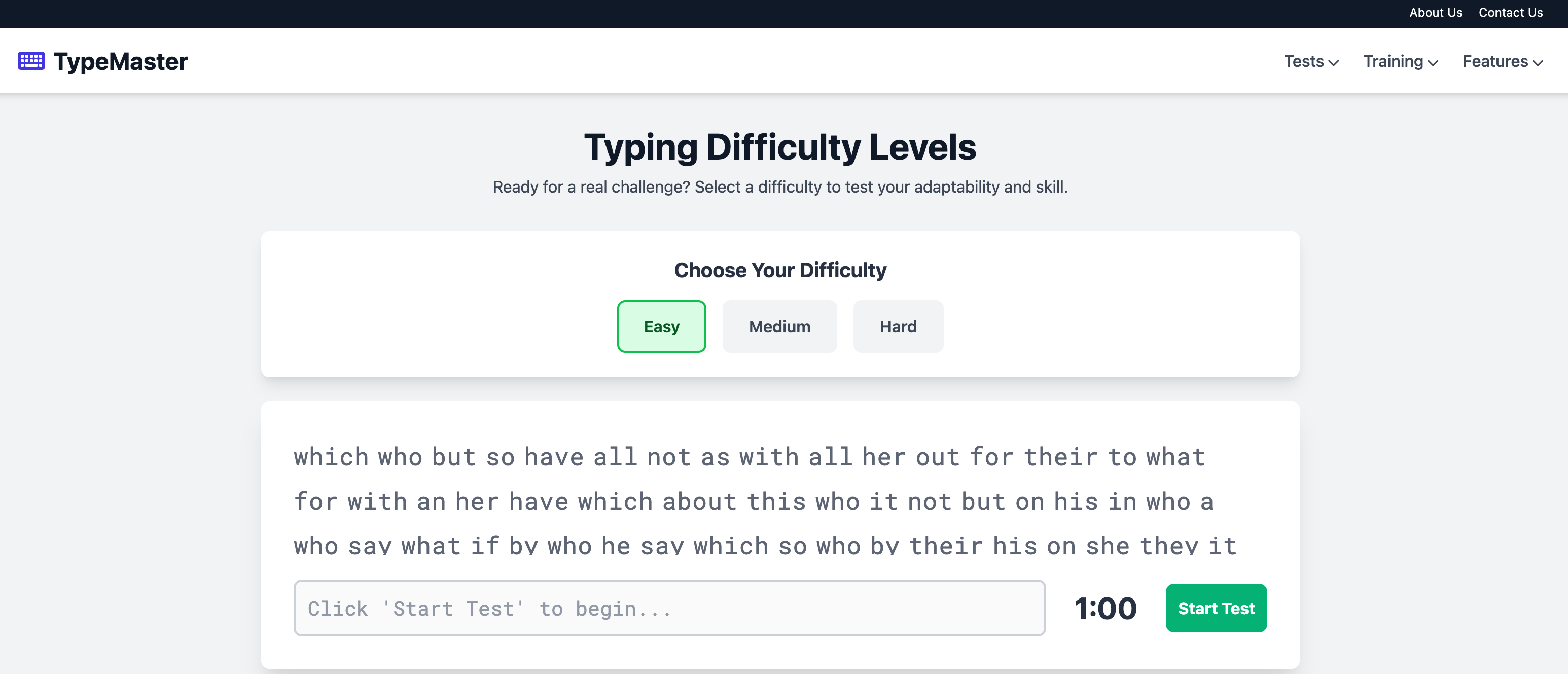
Challenge yourself with Easy, Medium, and Hard word lists.
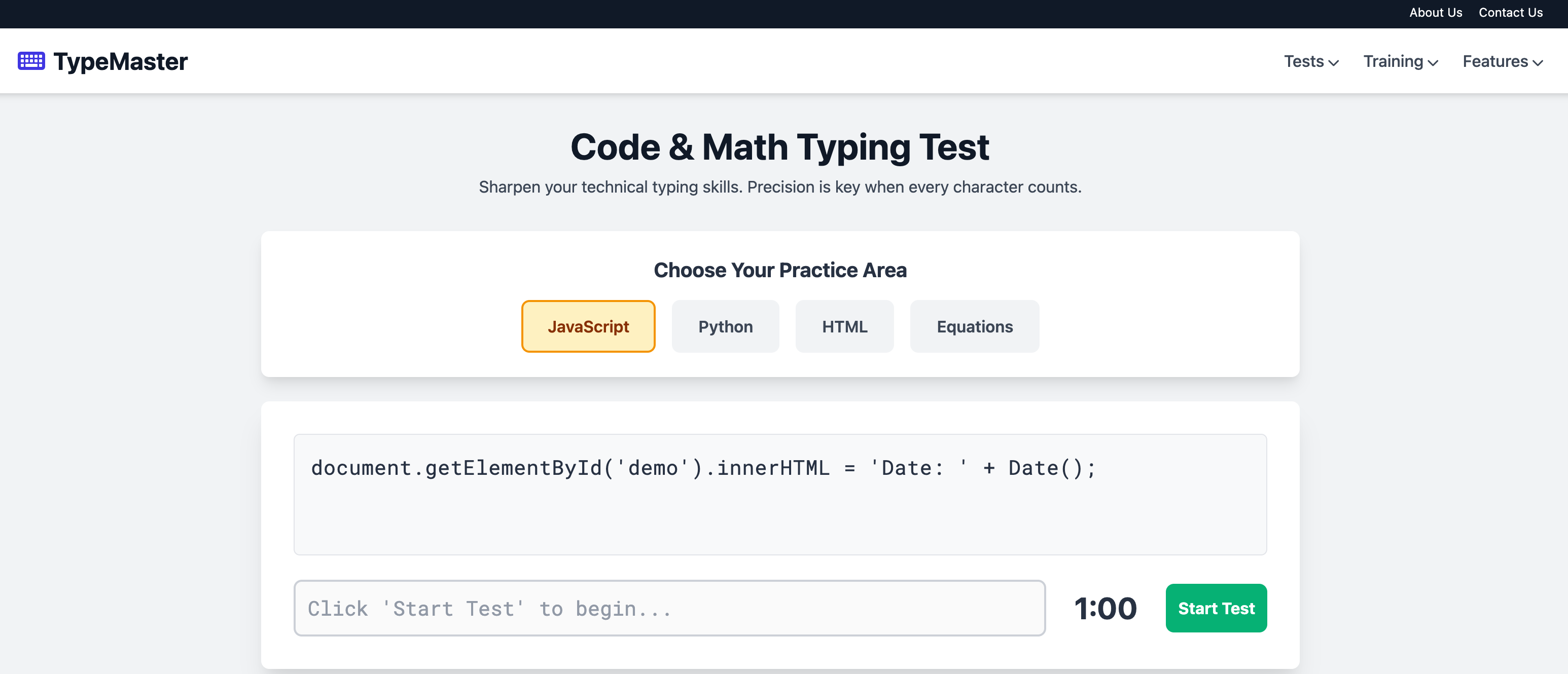
Practice with real code snippets and mathematical formulas.
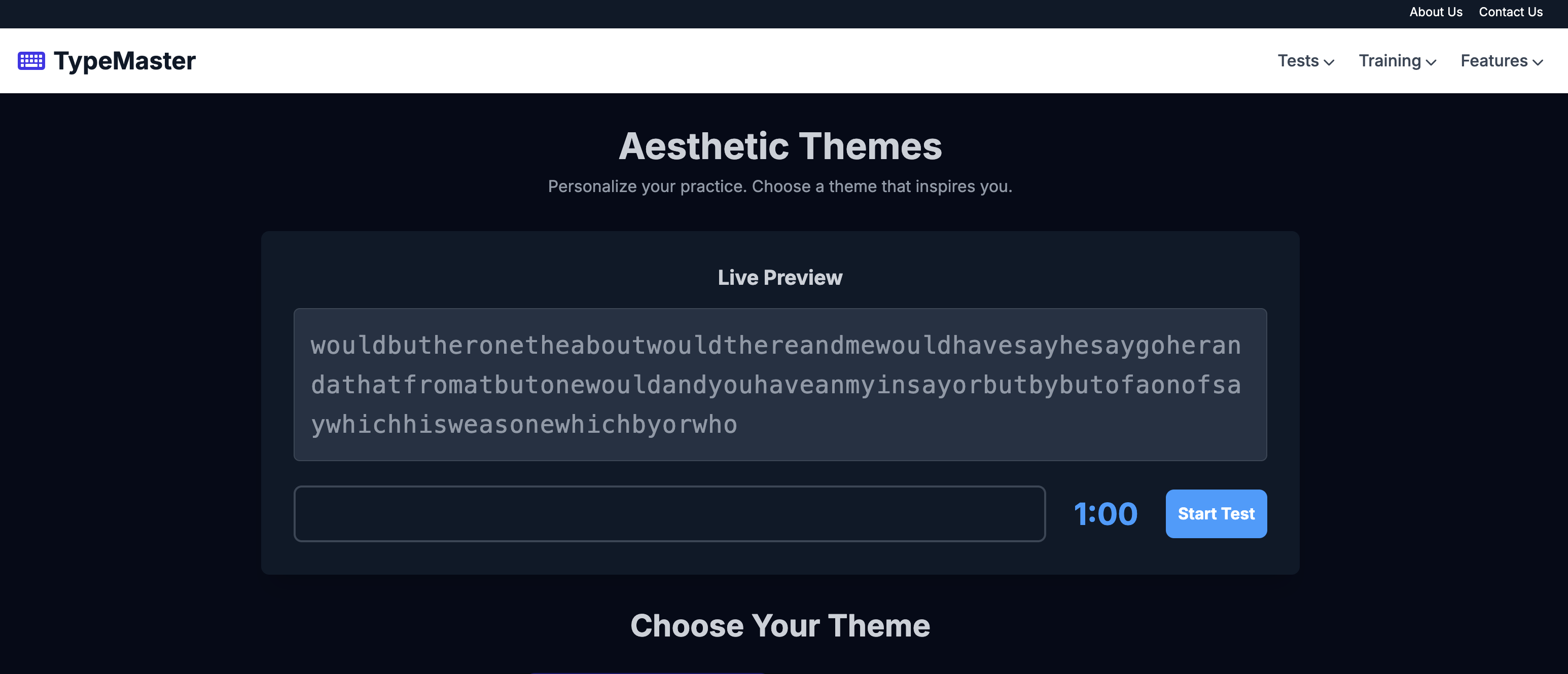
Customize your experience with beautiful themes like Forest Mode.
Recent Community Scores
Priya S.
Time Test (1 Min)
John M.
Difficulty (Hard)
Ananya K.
No-Backspace
Emily R.
Code (JavaScript)
Vikram P.
Language (Spanish)
Michael B.
Time Test (2 Min)
Isha G.
Custom Text
Sarah W.
Time Test (1 Min)
Frequently Asked Questions
What is WPM?
WPM stands for Words Per Minute. It's the standard metric for measuring typing speed. To ensure a fair comparison, one "word" is standardized as five keystrokes, including spaces and punctuation.
How is accuracy calculated?
Accuracy is the percentage of characters you type correctly. If a test is 100 characters long and you type 95 correctly, your accuracy is 95%. High accuracy is crucial for achieving a high effective speed.
What is the difference between gross WPM and net WPM?
Gross WPM is your raw speed based on everything you type, including errors. Net WPM (which we focus on) adjusts this score by penalizing for uncorrected mistakes, giving you a more realistic measure of your useful typing speed.
Why is touch typing important?
Touch typing is the ability to type without looking at the keyboard. It dramatically improves speed and accuracy because it allows your fingers to develop muscle memory. This frees up your mental focus for the content you're writing, not the mechanics of typing.
How long does it take to learn to touch type?
It varies, but with consistent daily practice (15-30 minutes), most people can learn the entire keyboard layout in a few weeks and see significant speed improvements within one to two months. The key is regular, focused practice.
Should I focus on speed or accuracy first?
Always focus on accuracy first. Speed is a byproduct of accuracy. If you type quickly but make many mistakes, you waste time making corrections, which lowers your overall speed. Build a solid foundation of accuracy, and speed will follow naturally.
What is a good typing speed?
An average typing speed is around 40 WPM. A speed of 60-70 WPM is considered proficient for most administrative and professional jobs. Competitive typists often exceed 100 WPM. The best goal is to consistently improve upon your own personal best.
Do I need a special keyboard for these tests?
Not at all! Our tests are designed for any standard keyboard layout (like QWERTY). While mechanical keyboards can improve the typing feel for some people, you can become a proficient typist on any keyboard with practice.
How do I handle capital letters and punctuation?
You should type them exactly as they appear in the text. Use the 'Shift' key for capital letters and symbols. The 'Difficulty Levels' and 'Code & Math' tests are specifically designed to help you practice these.
Are the certificates official?
Our certificates are a fantastic way to verify and share your achievement. While they are not an official accreditation, they serve as a personal testament to your measured proficiency, perfect for adding to a portfolio or sharing on social media.